

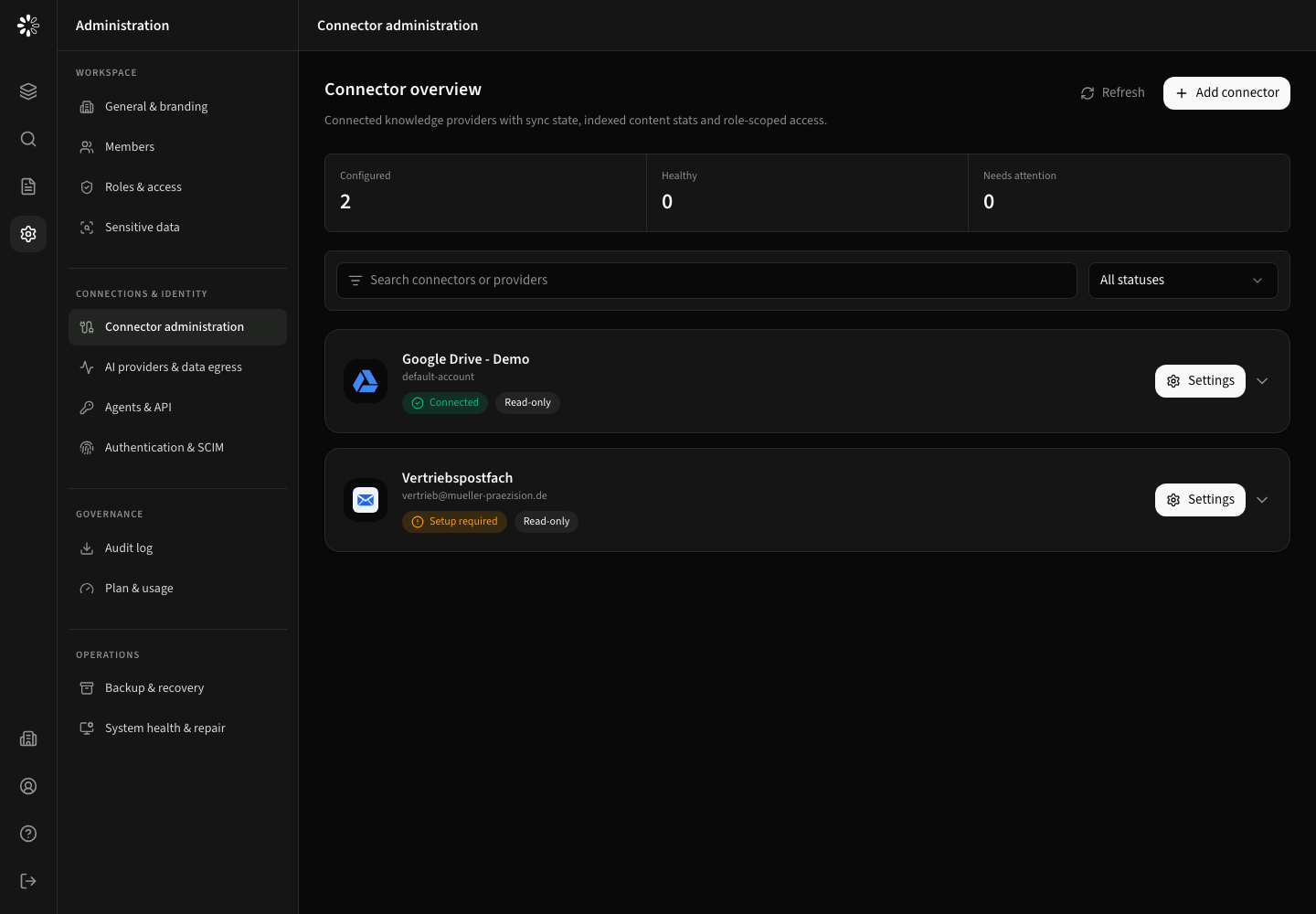
Connector overview
Understand provider types, connector instances, synchronization, and safe activation.
A provider describes an integration family such as Google Drive. A connector is one configured instance of that provider, such as Google Drive – Sales. You can add multiple instances of the same provider and give each a clear name.
Connector administration requires sources:manage and is located under Administration → Connections & identity → Connector administration.
Available provider families
| Provider | Setup guide | Important requirement |
|---|---|---|
| Google Drive | Google Drive | Correct Google account, app consent and source access |
| SharePoint Online | SharePoint | Microsoft app consent and site access |
| Microsoft 365 email | Permission to read the chosen mailbox | |
| GitHub | Repository | Repository read access and selected branch/path |
| GitLab | Repository | Read API access to the project |
| Website | Website | Accessible pages; not an interactive login |
| Nextcloud | Nextcloud | App password and reachable instance |
| SSH / SFTP | SSH | Restricted account and verified server fingerprint |
| NAS | Network drive | Supported Dedicated/On-Prem installation; not managed SaaS |
The exact fields and strategies are supplied by the provider integration. Secrets are encrypted in storage and are not returned to the browser after saving.
The catalog shows only providers available to the current plan. Basic plans include the core connector set, while broader provider families and custom integrations require the matching plan capability. Plan availability is enforced by the API as well as the administration interface.
Connector cards
Cards start collapsed and show connection and sync status. Expand a card to inspect indexed files, folders, searchable sections, last sync, active scope, and available actions.
Start sync is intentionally explicit. Configure connection, scope, and role access before the first import so data is not indexed before the intended boundary is saved.
The question-mark icon beside a connector or provider opens its setup guide in a new tab. Your current wizard stays open. Use troubleshooting when sign-in, synchronization or processing fails.