

Administration overview
Find workspace, identity, connection, governance, and applicable operations controls.
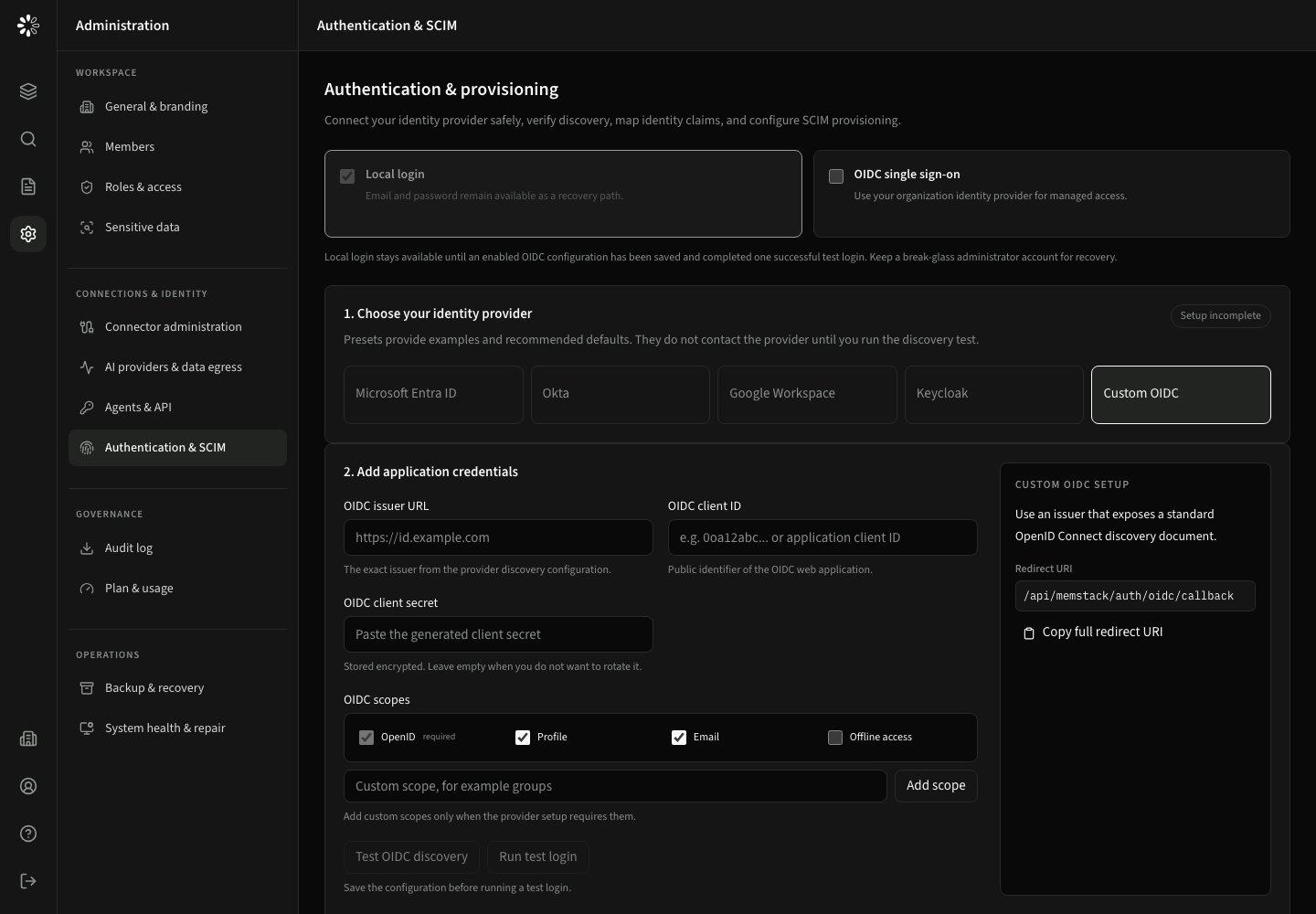
My settings and Administration are separate entries in the application sidebar. My settings has focused subpages for profile and membership, sign-in and security, and personal agent access. Administration is divided into permission-aware groups; users only see and can call functions granted by their active role and deployment.
| Section | Main purpose | Typical permission |
|---|---|---|
| General & branding | Configure workspace name, logo, theme, and accessible accent | settings:write |
| Members | Add, edit, disable, and remove accounts | users:manage |
| Roles & access | Define product permissions and resource scopes | roles:manage |
| Sensitive data | Control role-specific response redaction and blocking | settings:write, roles:manage |
| Connector administration | Add, configure, test, sync, stop, and remove sources | sources:manage |
| Models and BYOK | Manage approved models, company connections and personal BYOK policy | Model-management permissions |
| Skills, plugins and tools | Release installed resources and choose permitted roles/tools | Resource-management permissions |
| Authentication & SCIM | Configure OIDC, MFA claims, and provisioning | settings:write, users:manage |
| Audit log | Review and export scoped audit evidence | reports:read, reports:export |
| Plan & usage | Review limits, subscription and available billing actions | Depends on billing action and installation |
The Operations group appears only for applicable Dedicated or On-Premise administrators and support operators. Shared-cloud workspace administrators do not see repair paths or restore controls.
Start with users and roles, then configure enterprise authentication, company and account settings, and operational controls.
For user-facing problems, use access troubleshooting. For personal model connections, see BYOK. Installation-level OCR and transcription settings are managed by the operator, not by tenant administrators.