

Previews and notes
Inspect original files, extracted text, metadata, and versioned manual context.
Non-Markdown files use a full-width preview so the original content remains the focus. The actions above the preview open secondary information only when needed.
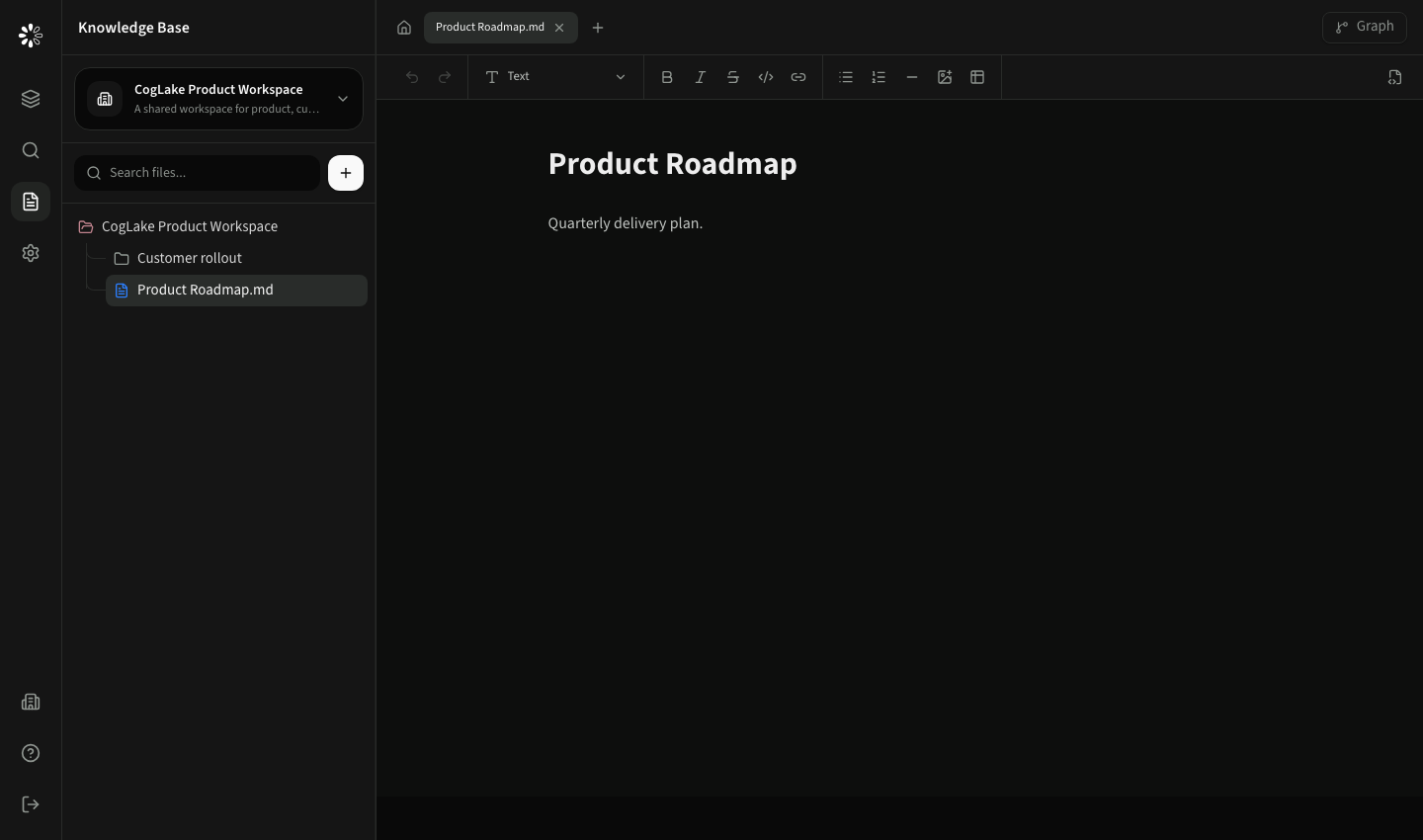
Preview actions
- Notes opens manual context attached to the file.
- Extracted text shows the text used by search and agents.
- Info shows source, media type, size, and processing metadata.
- Open original opens or downloads the original through the permission-checked API.
PDFs render inside the application. Office documents use a generated document preview with an extracted-content fallback. CSV files render as a table; images, audio, and video use their native media controls. Email messages use a mail-style header and body layout.
Notes and history
Notes add context that may not exist in the original file, such as an account owner's explanation, a contract caveat, or a review status. Saved notes are indexed with the document and can therefore influence search and agent context.
Notes inherit the file's permission boundary. The panel records who created or changed a note and when it happened. Use the history selector to inspect up to the latest ten saved versions.
When a preview fails
CogLake shows a centered unavailable state rather than the browser's broken-media icon. Use Extracted text to inspect available content or Open original to access the source. Administrators can retry processing from Diagnostics.