

External apps and API access
Delegate narrow permissions to API clients, ChatGPT, Claude, and other MCP-compatible agents.
This section is for connecting external applications to CogLake. To create an assistant inside CogLake, use the built-in Agents guide.
Open My settings → Developer access → Agent access to manage the non-browser access attached to your own identity. API keys, OAuth applications, and connected grants are personal; workspace-wide connector and identity-provider settings remain in Administration.
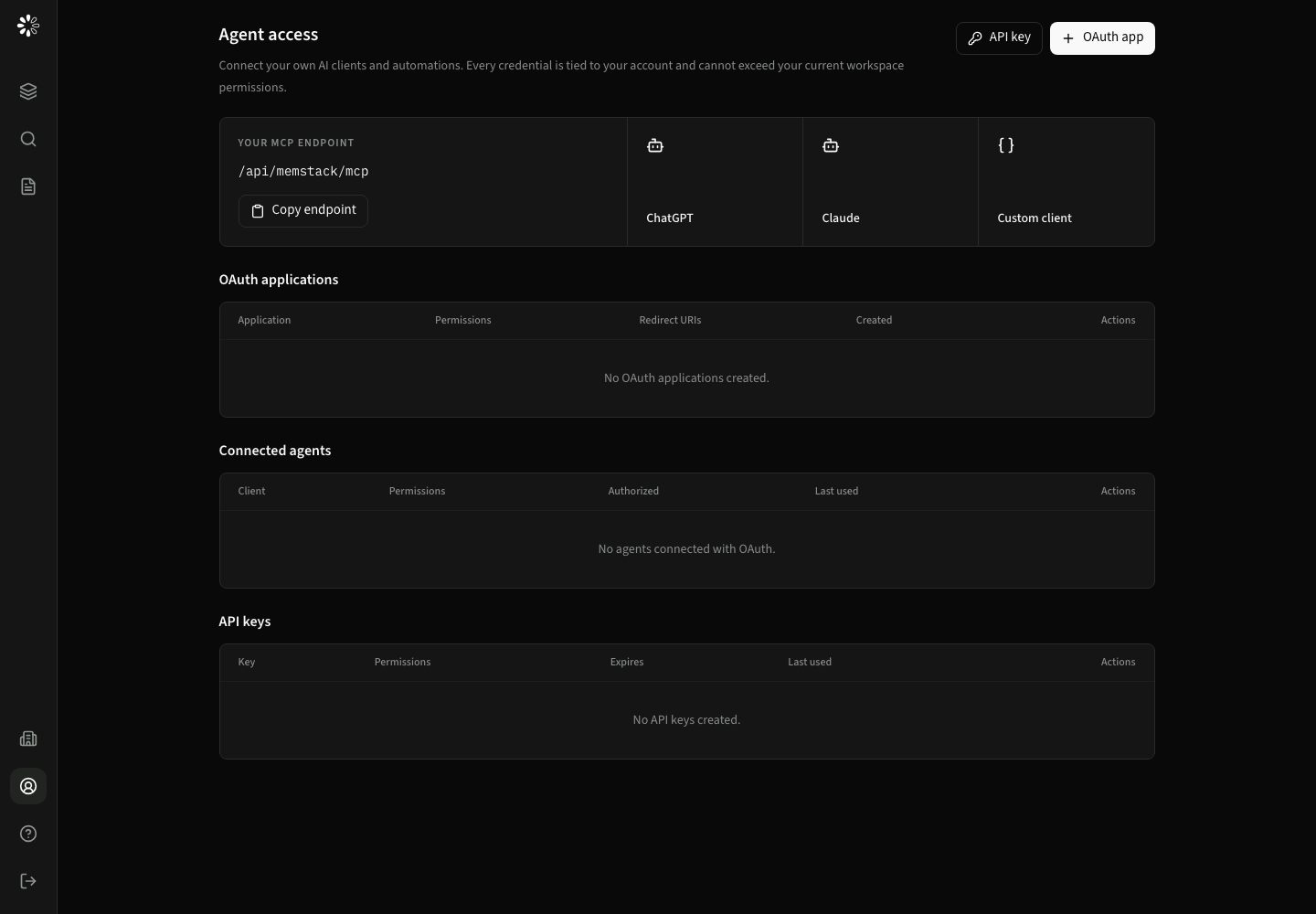
API keys
API keys are suitable for server-to-server scripts and clients that can safely store a bearer secret.
- Select API key.
- Give the key a recognizable name.
- Choose only the permissions the integration needs.
- Set an expiration when the workflow has a known lifetime.
- Store the displayed secret immediately; the complete secret is shown only after creation.
The table shows key prefix, last four characters, permissions, creation, expiry, last use, and revocation state.
OAuth applications
OAuth is recommended for interactive remote MCP clients such as ChatGPT and Claude.
- Select OAuth app.
- Enter the client name and exact redirect URI supplied by the agent platform.
- Permit
search:read,knowledge:read, or both. - Store the client secret if the client uses confidential authentication.
- Complete authorization from the agent client while signed in to CogLake.
Connected grants are listed separately and can be disconnected without deleting the application registration.
Delegation rules
A token can only delegate permissions allowed for the signed-in user and client. OAuth access to the built-in MCP server is intentionally limited to:
search:readknowledge:readoffline_accessfor rotating refresh tokens
The resulting agent still receives only documents visible to the authorizing user and their roles.